The Old Way Is Costing You
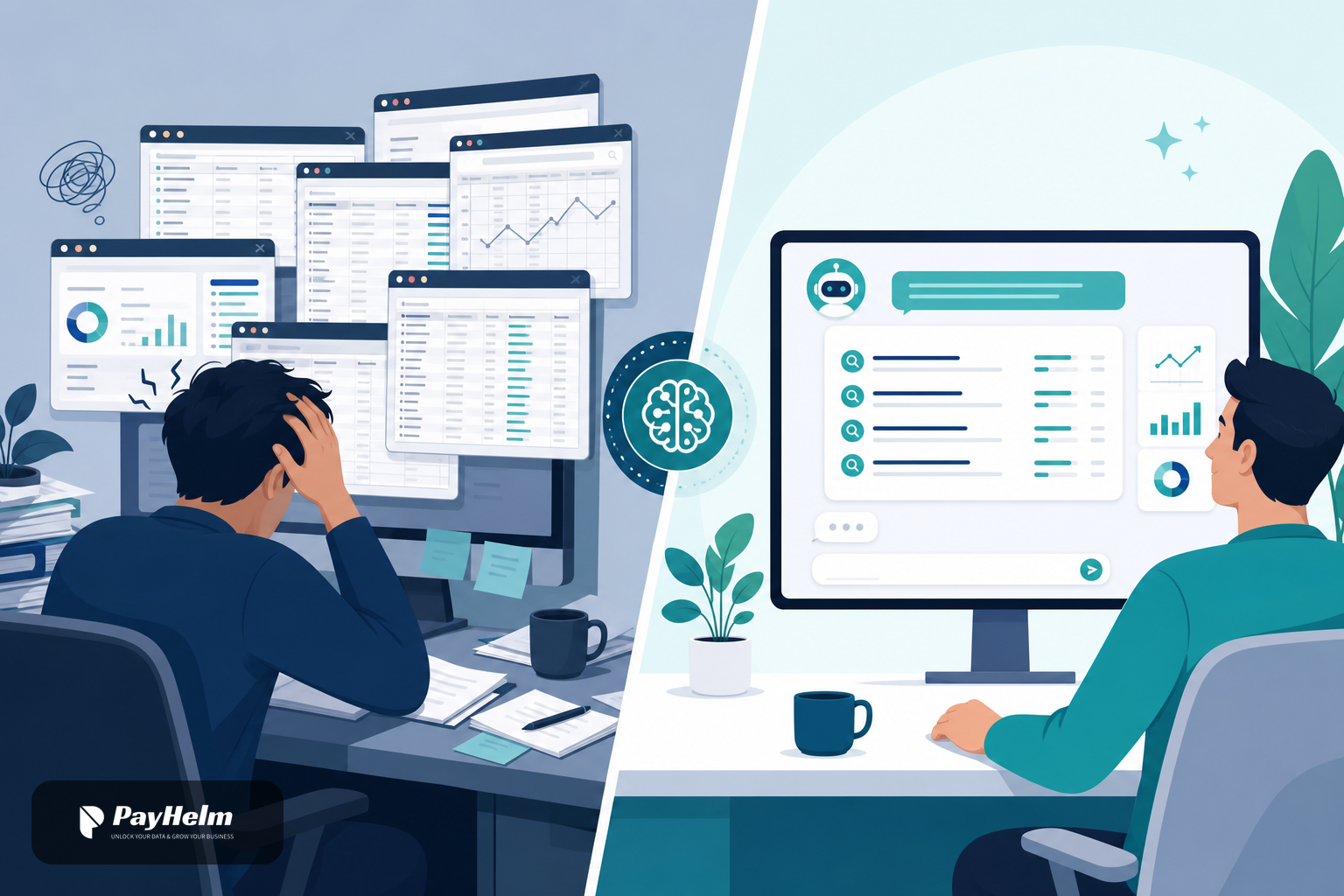
Every ecommerce growth team knows the drill. You want to write a product description, run a Google Ads campaign, or plan a seasonal push — so you open Keyword Planner in a separate tab, hunt for terms, copy them into a spreadsheet, paste a few into your copywriting tool, lose context halfway through, and start over. By the time you have your list the opportunity has moved.
Keyword research isn't hard. The overhead around it is.
Pain Points We Hear Every Week
"I spend more time switching tools than using the data."
Traditional keyword research lives in its own silo. Getting that data into a campaign plan or a content brief means manual copy-paste across at least three different surfaces.
"Our AI chat tools don't know what keywords actually convert."
Generic AI assistants can suggest keywords from training data, but they don't have access to live search volume, competition scores, or bid estimates tied to your actual business.
"MCP agents are powerful but blind to search intent."
Model Context Protocol flows can automate a lot, but without real keyword signals they optimise for the wrong things — high-traffic terms with brutal competition, or niche terms with no audience.
"Reporting and research are disconnected."
You see conversion data in PayHelm but have to go somewhere else entirely to understand the search landscape behind those numbers.
What Changes With Keyword Planner in PayHelm
AI Chat — Research in Conversation
Open AI Chat in PayHelm and ask in plain English:
"What are the highest-volume, lowest-competition keywords for a Shopify store selling sustainable activewear?"
The keyword_planner_google_ads tool fires automatically, pulls live data from Google Ads Keyword Planner, and surfaces keyword ideas, monthly search volumes, competition levels, and suggested bid ranges — all inside the same chat thread.
You can immediately follow up:
"Draft me three product descriptions optimised for the top two keywords."
No tab switching. No copy-paste. The AI already has the keyword context.
MCP Flows — Keyword-Aware Automation
For teams running automated workflows through MCP-connected agents, keyword data is now a first-class signal. Your agents can:
- Pull keyword ideas at the start of a content or campaign planning flow
- Filter by competition threshold before committing to a term
- Feed volume and bid data directly into campaign budget calculators
- Trigger follow-on actions — Klaviyo campaigns, blog drafts, Google Ads group creation — based on keyword research results, all in one automated sequence
This is the difference between an agent that suggests things and one that actually knows what will work in search.
Concrete Workflows You Can Run Today
1. SWOT a Competitor's Keyword Territory
Ask AI Chat to pull keywords for a competitor domain. Get volume and competition data. Ask the AI to identify gaps — high-volume terms the competitor ranks for where you don't have content yet.
2. Pre-Flight a Campaign Before You Spend
Before launching a Google Ads campaign, run an MCP flow: pull keyword estimates, check average CPC against your target ROAS, and automatically flag any terms where projected spend exceeds your threshold.
3. SEO-Informed Product Copy at Scale
Trigger a flow that takes your product catalogue, fetches keyword ideas for each category, and drafts optimised titles and meta descriptions — ready for review, not a blank page.
4. Seasonal Trend Spotting
Ask AI Chat: "What keyword trends should we plan content for in Q4?" Get volume projections and bid estimates so you can prioritise editorial and ad spend before the rush.
How to Get Started
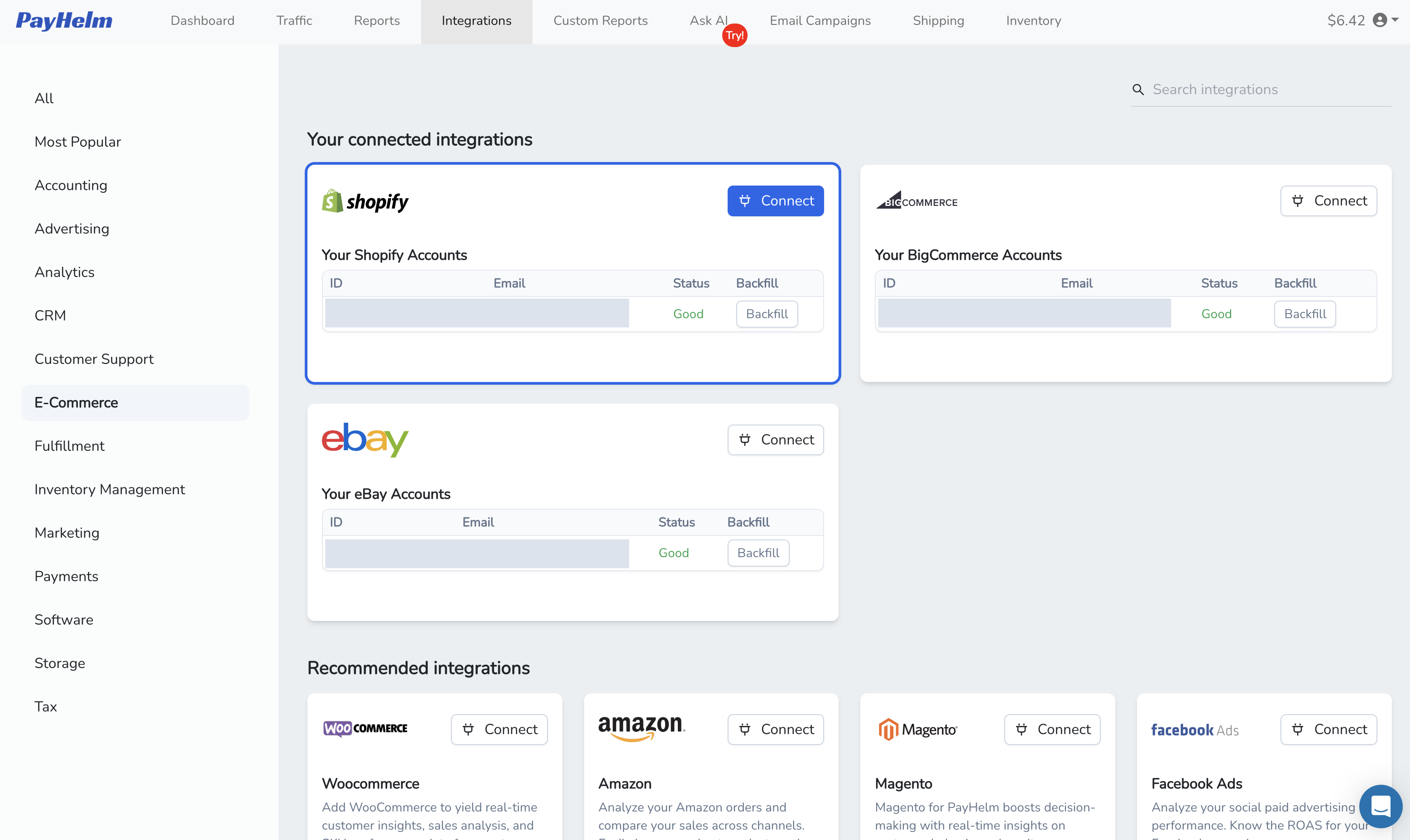
- Connect your Google Ads account in PayHelm Integrations (takes about 90 seconds).
- Open AI Chat — the
keyword_planner_google_ads tool is automatically available.
- Enable it for your team members in Settings → My Team → AI Chat Tools.
- For MCP flows, the tool is exposed via the same agent API — no extra configuration required.
The Bigger Picture
Keyword Planner is the first of several search-intelligence integrations coming to PayHelm's AI and MCP layers. The goal is simple: stop making your team leave the platform to get the context they need to make decisions. Research, attribution, content, and campaigns should all talk to each other — and increasingly they will.
If you're already using AI Chat or running MCP agents on PayHelm, this one is a no-brainer to enable. If you haven't started yet, this is a good reason to.
See the full integration details →