Integrations
Connect Any App to PayHelm: Send Data via Zapier Webhooks
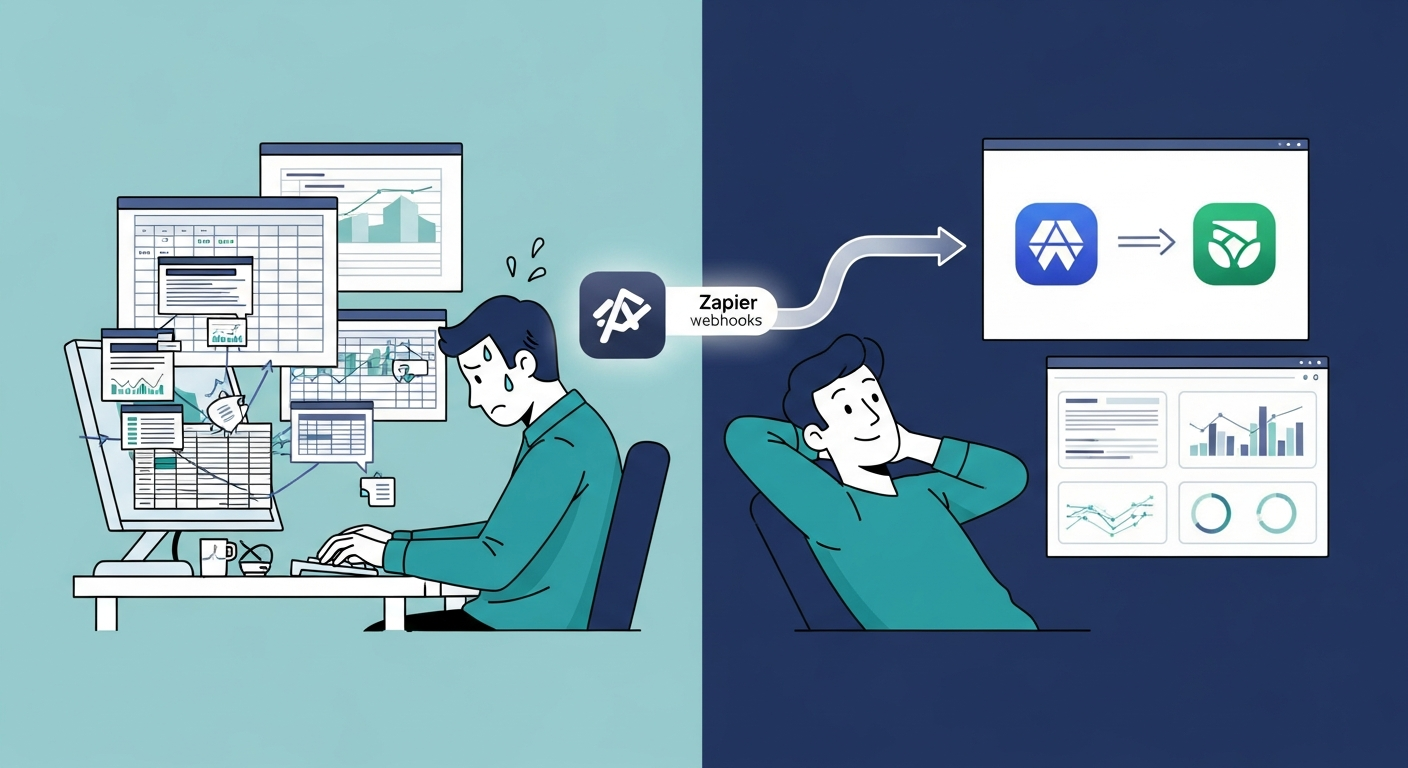
PayHelm now accepts data from over 7,000 apps through Zapier webhooks. No custom code, no dev sprint — just an API key and a webhook. Here's exactly how to set it up.
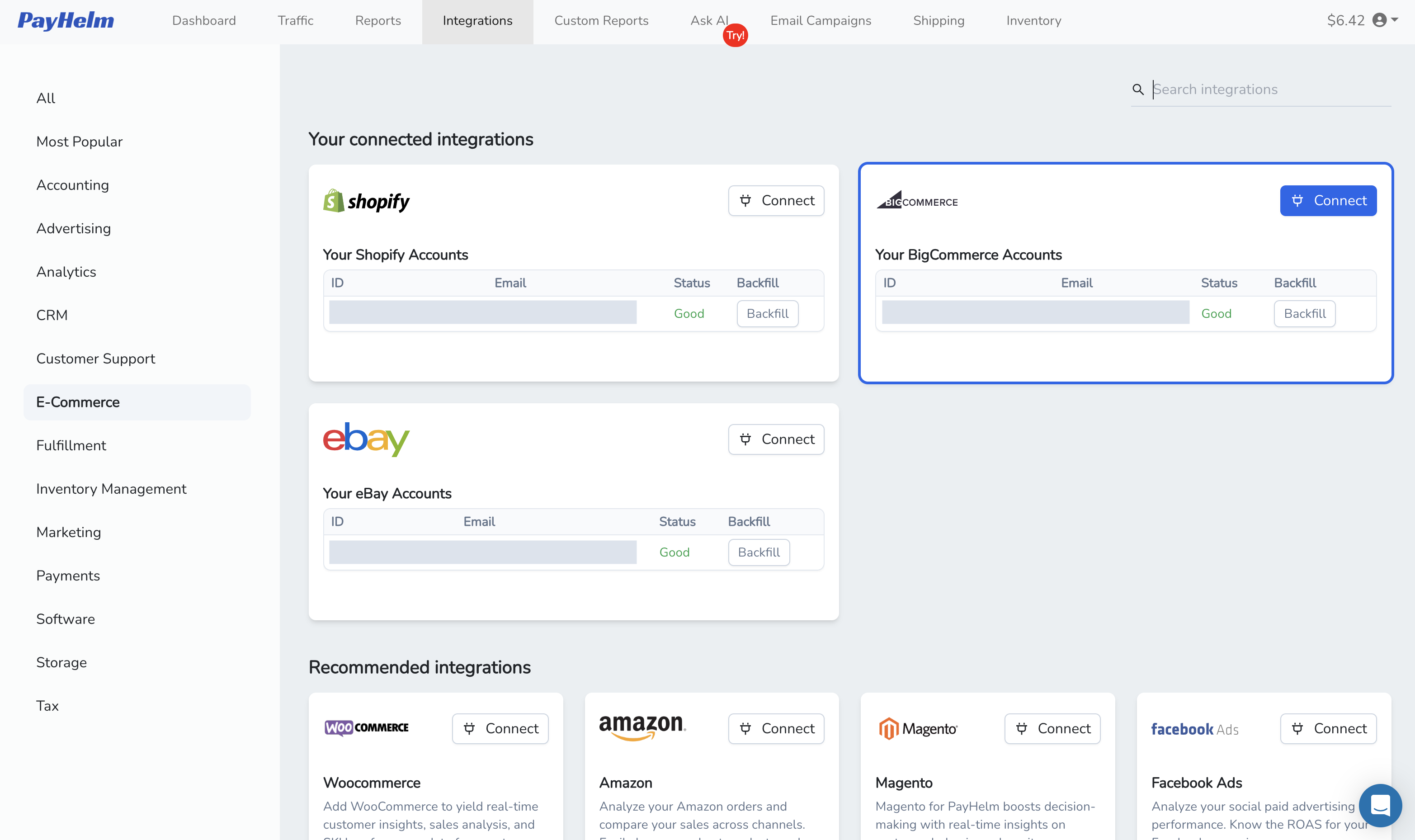
It is very quick and easy to setup and install BigCommerce into your PayHelm Analytics Dashboard. Follow these simple steps to get started.

It is very quick & easy to setup and install BigCommerce into your PayHelm Analytics Dashboard. Simply find the PayHelm app, click install, click agree to our terms, then watch the PayHelm progress bar do a backfill of your transaction history so we can build your Analytics Dashboard.
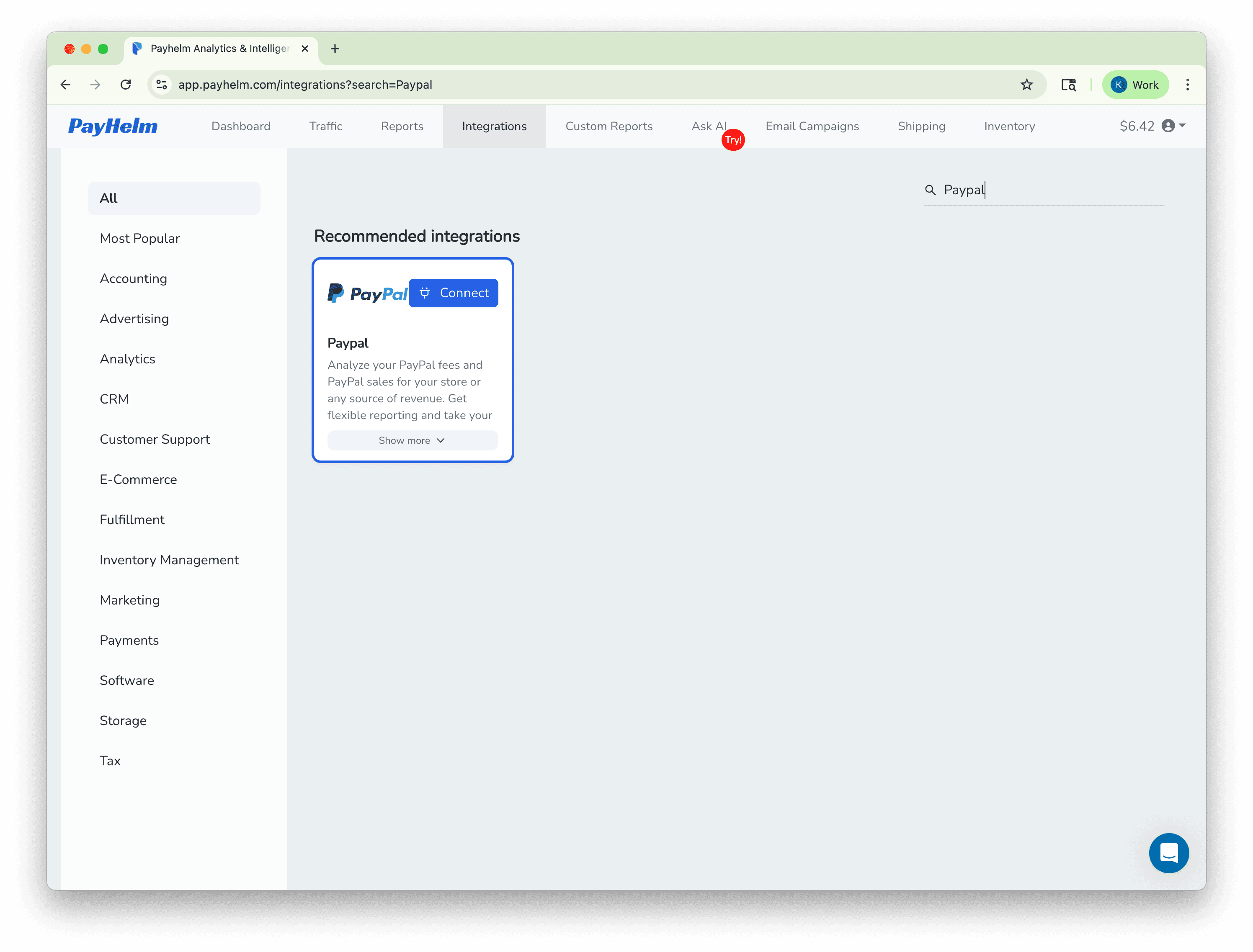
The backfill process should take less than a minute to complete. While you are waiting you can additionally link PayPal or other BigCommerce stores into your unified Dashboard.
Navigate to the BigCommerce App Marketplace and search for PayHelm. Click the Install button to begin the installation process.
Review and accept PayHelm's Terms & Conditions to proceed with the setup.
PayHelm will automatically backfill your transaction history. This process typically takes less than a minute.
While waiting, you can link additional sales channels like PayPal or other BigCommerce stores to create a unified analytics dashboard.
Once the backfill is complete, your PayHelm Analytics Dashboard is ready to use. Start exploring your sales data, customer insights, and performance metrics right away!
Connect these platforms with PayHelm to get unified analytics and insights
Let an AI agent handle these tasks for you — automatically, on a schedule.
Find the gaps between what your ad platforms claim and what your analytics actually shows.
Get found by more buyers on eBay with AI-optimized listing titles every week.
Identify the customers training themselves to only buy at a discount.