Are You Making These 10 Fatal Ecommerce Analytics Mistakes? (Most Store Owners Don't Even Know)
Running an ecommerce store without proper analytics is like driving blindfolded. Yet most store owners unknowingly make critical analytics mistakes that cost them thousands in lost revenue every month. Whether you're using Shopify analytics, BigCommerce analytics, WooCommerce analytics, or Amazon analytics, these fundamental errors can silently sabotage your growth.
Let's dive into the ten most dangerous ecommerce analytics mistakes that could be killing your profits right now.
1. Obsessing Over Vanity Metrics Instead of Revenue Drivers
Too many store owners get excited about impressive-looking numbers like page views, social media followers, and email subscribers. These vanity metrics feel good but don't directly correlate with revenue growth.
The metrics that actually matter for your bottom line are conversion rates, average order value, customer lifetime value, and repeat purchase rates (Source: Shopify). If your Shopify reporting shows 50,000 monthly visitors but only a 0.5% conversion rate, you have a conversion problem, not a traffic celebration.
Focus your ecommerce analytics on actionable metrics that directly impact profitability. Track how changes in these key performance indicators affect your actual sales, not just your ego (Source: Shopify).

2. Relying Solely on Platform Analytics
Using only your platform's built-in analytics severely limits your ability to understand customer behavior. Shopify analytics, BigCommerce reporting, and WooCommerce reporting provide basic insights, but they lack the depth needed for serious optimization.
Google Analytics 4 offers significantly more granular data about user journeys, attribution modeling, and cross-device tracking (Source: Google Analytics Help). Platform analytics might show you what happened, but Google Analytics reveals why it happened and how to improve it.
Set up proper ecommerce tracking in GA4 alongside your platform analytics (Source: Google for Developers). This dual approach gives you both the simplicity of native reporting and the power of advanced ecommerce analytics.
3. Ignoring Mobile Analytics Performance
Over 50% of ecommerce traffic comes from mobile devices, yet many store owners analyze desktop and mobile performance as a single metric (Source: Capital One Shopping Research). This approach masks critical mobile-specific issues that could be costing you sales.
Mobile users behave completely differently than desktop users. They have shorter attention spans, different navigation patterns, and unique conversion barriers. Your ecommerce reporting should segment mobile performance separately to identify mobile-specific optimization opportunities (Source: Google Analytics Help).
Track mobile bounce rates, page load speeds, and checkout abandonment rates independently. Often, stores that perform well on desktop have terrible mobile experiences that go unnoticed in combined analytics (Source: Google Analytics Help).
4. Not Tracking the Complete Customer Journey
Most ecommerce analytics focus on individual sessions rather than the complete customer journey. This limited view misses crucial touchpoints that influence purchasing decisions.
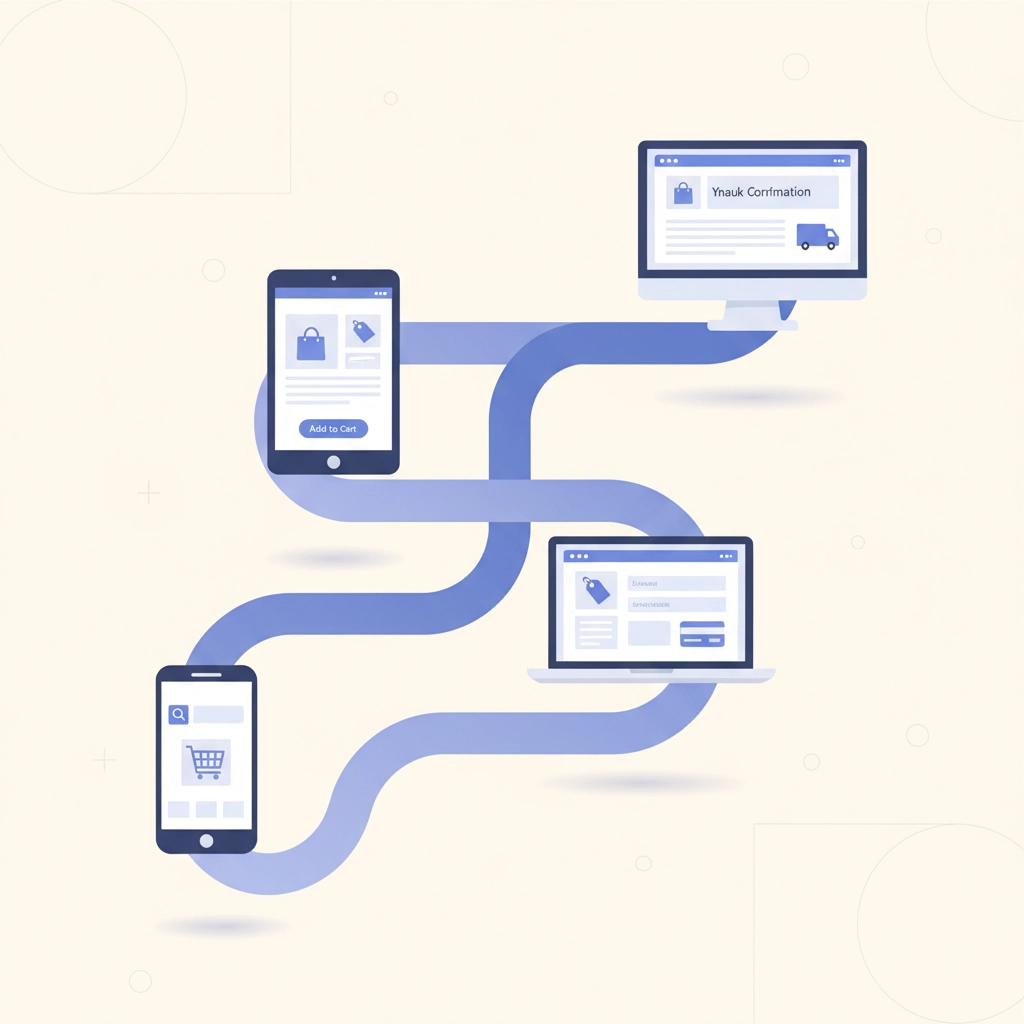
Customers typically interact with your brand multiple times across different channels before making a purchase. They might discover you through social media, research on mobile, and finally purchase on desktop days later (Source: Google Analytics Help).
Implement cross-device tracking and attribution modeling to understand how different touchpoints contribute to conversions (Source: Google Analytics Help). This comprehensive view helps you allocate marketing budget more effectively and identify which channels truly drive sales.

5. Failing to Set Up Proper Goal Tracking
Many store owners install analytics tools but never configure specific goals and conversion tracking. Without proper goal setup, your ecommerce analytics become a collection of meaningless numbers (Source: Google Analytics Help).
Define clear, measurable goals for different user actions: newsletter signups, product page views, add-to-cart events, and completed purchases. Each goal should have a specific monetary value assigned to track return on investment accurately (Source: Google for Developers).
Configure enhanced ecommerce tracking to monitor the entire sales funnel, from product impressions to transaction completion (Source: Google for Developers). This detailed tracking reveals exactly where potential customers drop off and why.
6. Overlooking Cart Abandonment Analysis
Cart abandonment rates average around 70% across all industries, yet many store owners treat abandoned carts as inevitable rather than analyzable problems (Source: Baymard Institute). This represents massive missed revenue opportunities.
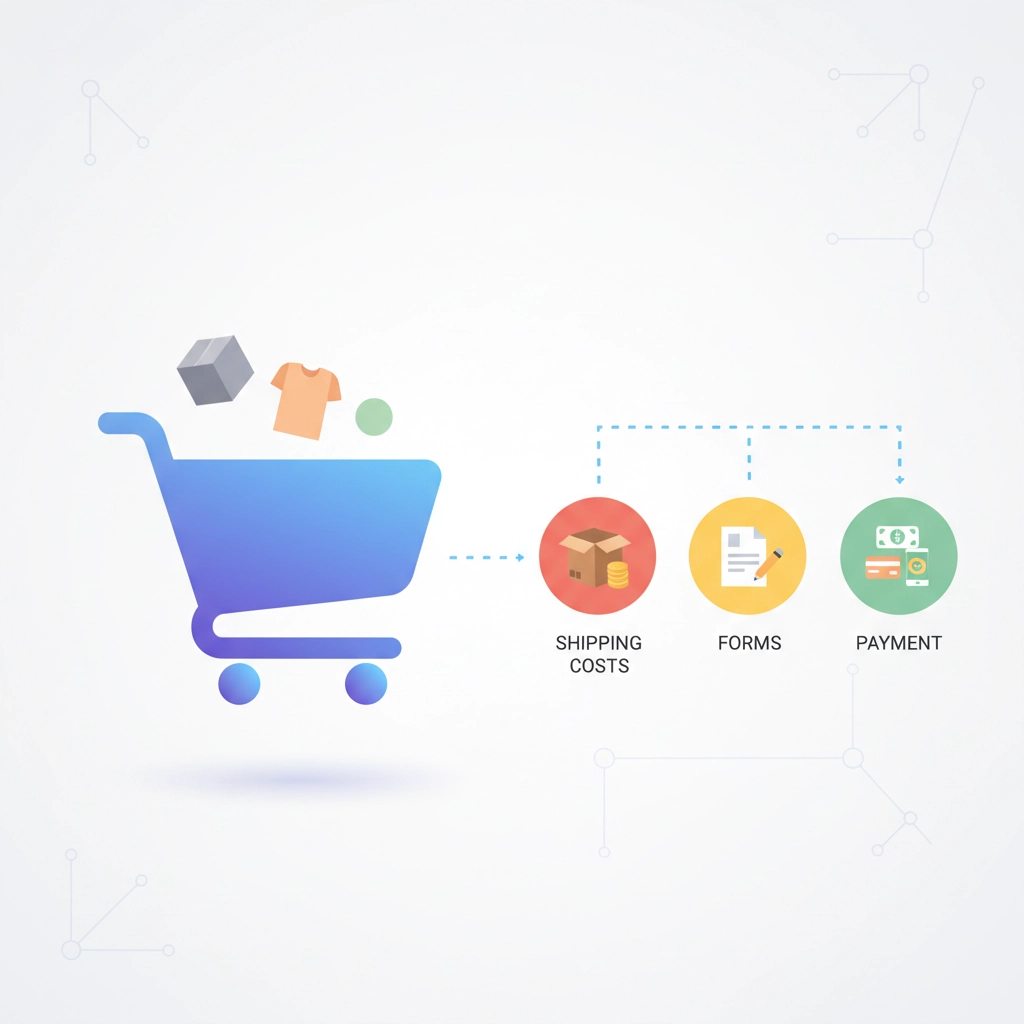
Your ecommerce reporting should track not just abandonment rates, but abandonment reasons and patterns. Are users abandoning at shipping cost reveal? During account creation? At payment processing?
Implement exit-intent surveys and analyze abandonment by traffic source, device type, and checkout step. Understanding abandonment patterns enables targeted interventions like retargeting campaigns, simplified checkout processes, and strategic shipping cost presentation (Source: Baymard Institute).
7. Not Analyzing Customer Lifetime Value Properly
Most ecommerce analytics focus on individual transaction values rather than customer lifetime value (CLV). This short-term perspective leads to poor customer acquisition and retention decisions (Source: Shopify).
Calculate CLV by segment: new vs. returning customers, acquisition channel, geographic location, and product category. Understanding which customer segments generate the highest lifetime value helps optimize marketing spend and retention strategies (Source: Shopify).
Track CLV trends over time to identify whether your customer base is becoming more or less valuable. Declining CLV often signals problems with product quality, customer service, or market positioning that need immediate attention (Source: Shopify).
8. Ignoring Site Speed Impact on Conversions
Page load speed directly impacts conversion rates, yet many store owners don't monitor speed metrics within their ecommerce analytics. A one-second delay in page load time can reduce conversions by up to 7% (Source: Cloudflare; BigCommerce).
Monitor Core Web Vitals and page speed metrics alongside conversion data to identify performance bottlenecks. Use tools like Google PageSpeed Insights integrated with your analytics to understand how speed affects different user segments (Source: Google for Developers; web.dev).
Track speed metrics for different device types, geographic locations, and traffic sources. Mobile users on slower connections may have dramatically different speed experiences that impact their likelihood to purchase (Source: web.dev).
9. Not Segmenting Data for Actionable Insights
Analyzing aggregate data without proper segmentation obscures important patterns and opportunities. Average metrics rarely reveal the full story of your ecommerce performance (Source: Google Analytics Help).
Segment your analytics by traffic source, device type, geographic location, new vs. returning visitors, and customer demographics. Each segment likely has different conversion patterns, preferences, and optimization opportunities (Source: Google Analytics Help).
For example, organic traffic might convert at 3% while paid social converts at 1.2%. Without segmentation, you might see an overall 2.1% conversion rate and miss the fact that your paid social strategy needs significant improvement.
10. Collecting Data Without Taking Action
Perhaps the most fatal mistake is collecting comprehensive analytics data but never converting insights into concrete actions. Many store owners become data collectors rather than data users.
Establish regular review cycles where analytics insights directly translate into website improvements, marketing adjustments, or inventory decisions. Create action items from every analytics review session with specific owners and deadlines (Source: Google Analytics Help).
Set up automated alerts for significant metric changes so you can respond quickly to both problems and opportunities (Source: Google Analytics Help). The most sophisticated ecommerce analytics setup is worthless if insights don't drive actual business decisions.
Transform Your Analytics Strategy
These ten fatal mistakes represent millions in lost revenue across the ecommerce industry (Source: Baymard Institute). The good news is that once you identify and fix these issues, you'll gain a significant competitive advantage over stores still making these errors.
Start by auditing your current analytics setup against this checklist. Prioritize fixes based on potential revenue impact and implementation complexity. Remember, perfect analytics implementation beats mediocre analysis every time.
Your ecommerce analytics should be your competitive secret weapon, not just a collection of interesting numbers. Make these corrections, and watch your conversion rates, average order values, and customer lifetime values improve dramatically.
Ready to eliminate these analytics mistakes and unlock your store's true potential? Discover how PayHelm's advanced ecommerce analytics can help you avoid these pitfalls and make data-driven decisions that actually drive revenue growth.