The short versionPayHelm vs Glew: two different centers of gravity
Both products can be relevant to ecommerce reporting, but the decision often turns on data architecture, the channels that matter and the workflow after someone spots a change. Start by mapping those requirements, then compare the current product and package details.
PayHelmSelf-serve multichannel reporting, priced in the open.
Start with the Free plan, connect supported stores and marketplaces, build custom reports, and use paid-plan AI tools where your plan and permissions allow. The practical question is whether the fields and cost inputs you need are available for each source.
Explore custom reports ↗GlewCommerce BI with a managed data warehouse.
Glew Pro includes 40 integrations, 250+ KPIs, custom segments, a report builder and scheduled reports, including Klaviyo and Mailchimp. Glew Plus adds managed ETL, a data warehouse, a bundled Looker license and 150+ integrations for teams that want a deeper BI layer.
Explore data pipelines and exports ↗ Choose between a ready reporting workspace and a managed BI foundation
Glew and PayHelm both speak to sellers who have outgrown a single storefront dashboard. The meaningful distinction is how much data infrastructure the team wants to own or procure. Glew Pro provides a productized analytics experience with a published feature set; Glew Plus extends that with managed data engineering, warehouse access and Looker. That can be useful when analysts need a more configurable BI environment and cross-functional teams already work from warehouse models.
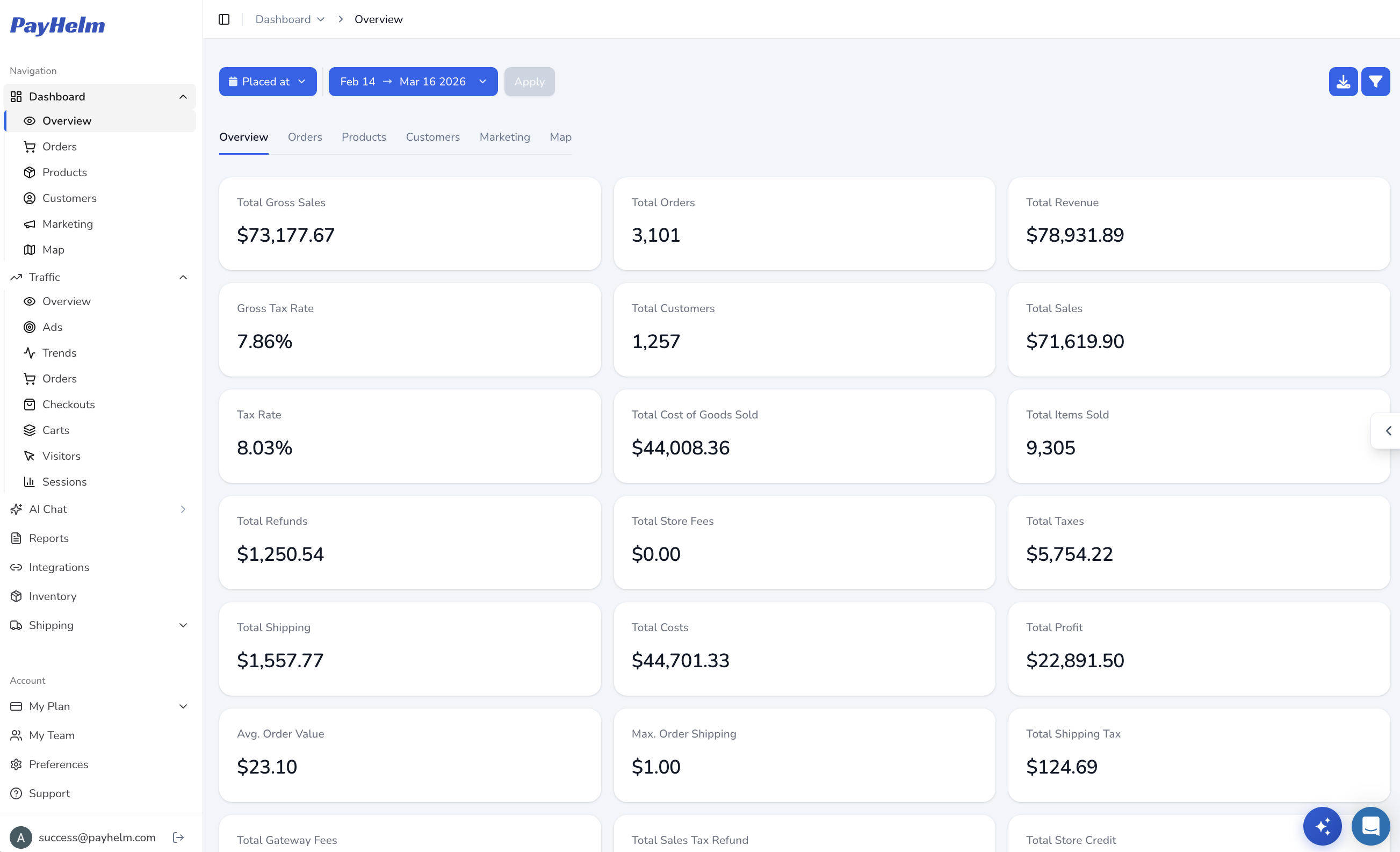
PayHelm is aimed at teams who want connected store, marketplace, advertising and operating data presented in a working analytics product without beginning with a warehouse project. It puts profit and margin questions alongside channel performance, with custom reports and an AI layer subject to the plan and connected permissions. That can make the first evaluation simpler, while a buyer with strong warehouse governance or existing Looker practices should compare the Enterprise conversation carefully.
Do not treat connector counts as proof that every platform exposes every field. Make a shortlist of stores, marketplaces, ad accounts, currencies and historical periods, then check what is available in each product. For either option, ask how refunds, shipping, payment fees, product costs and returns are represented. A dashboard can only answer profit questions as well as its source data and cost assumptions allow.
Capabilities vary by plan, connector and package. Confirm the data fields, definitions and access you need before deciding.